You do. Unblur puts an end back on your screen.
A Chrome extension that gently blurs the feeds designed to keep you, and gives you back the choice to leave.
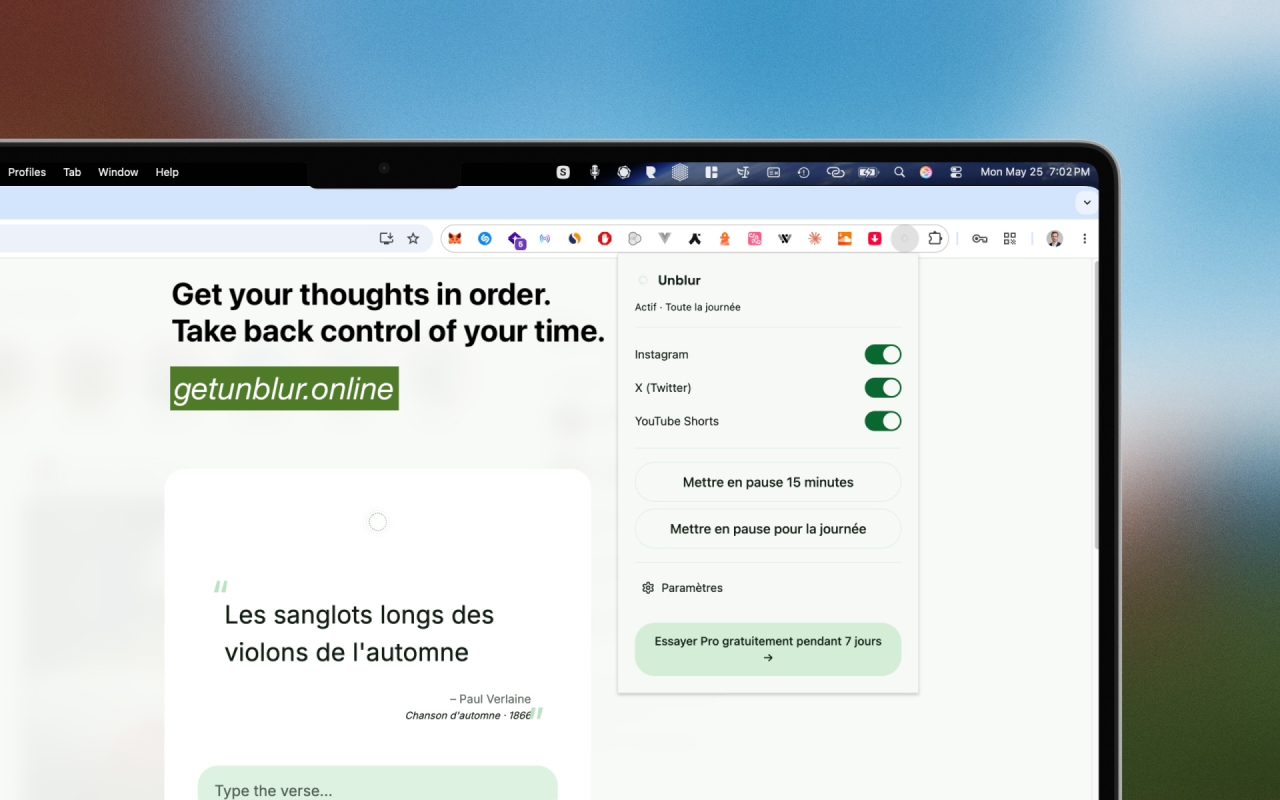
“The mind is its own place.”
You don't have a willpower problem. You have an environment problem.
Feeds are engineered by thousands of people to hold your attention. Unblur is a small piece of friction designed to give it back.
How it works
Three calm steps. Nothing to learn, nothing to maintain.
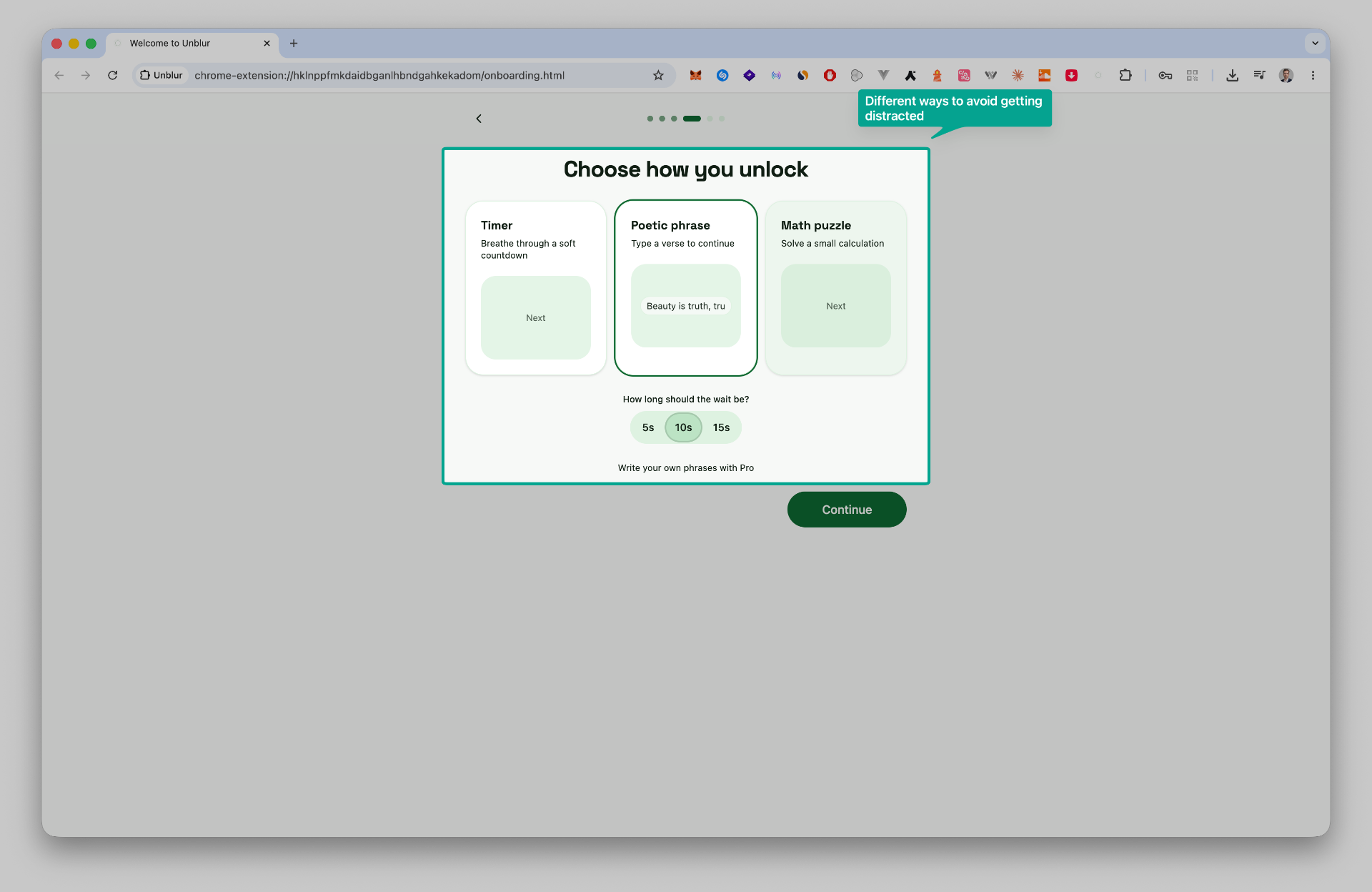
Choose how you unlock
Pick a timer, a poetic phrase or a small math puzzle. Set the rhythm that fits you.
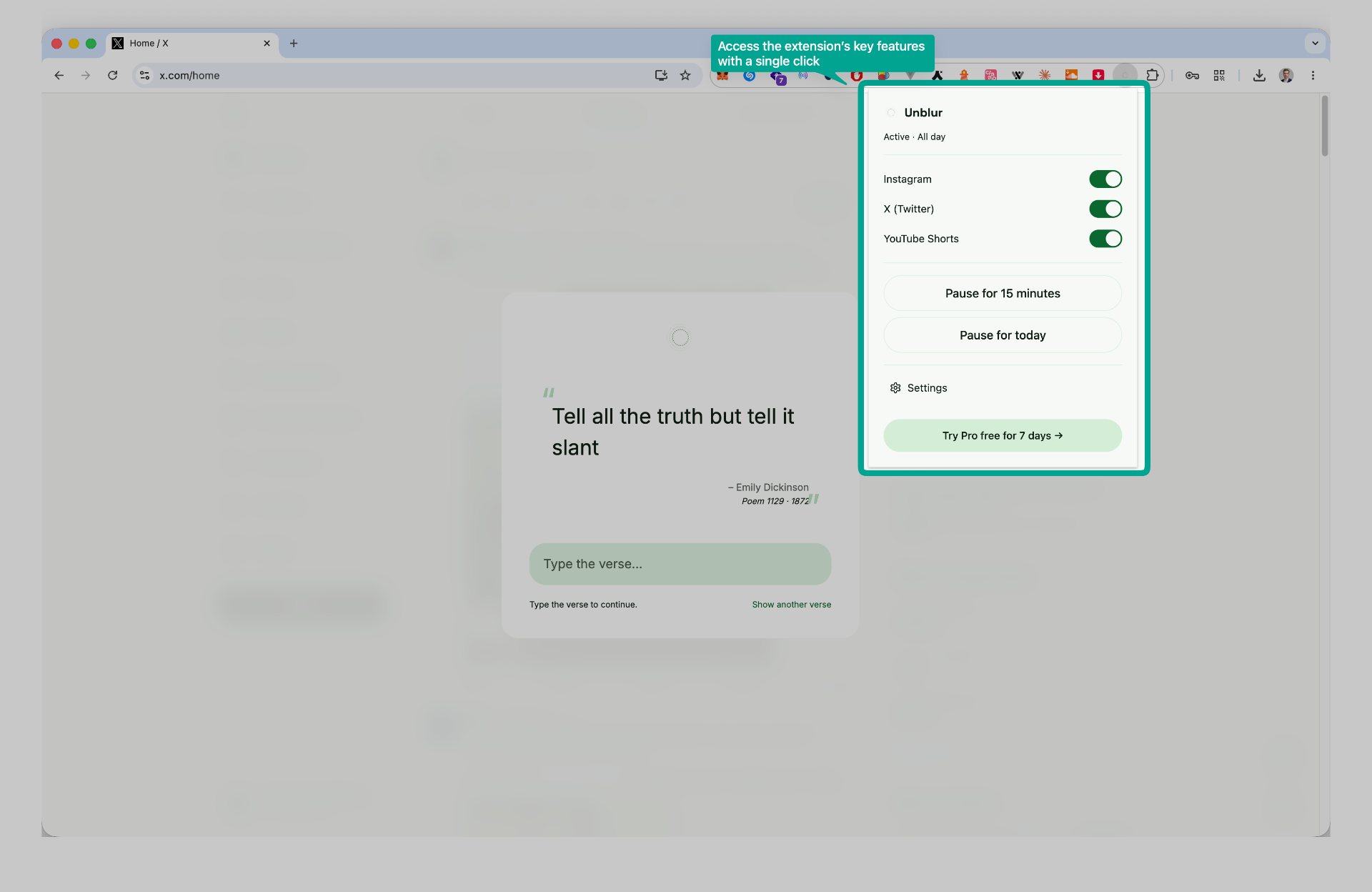
Meet a quiet pause
When you open Instagram, X, YouTube Shorts and other feeds, Unblur places a soft blur and a verse in front.
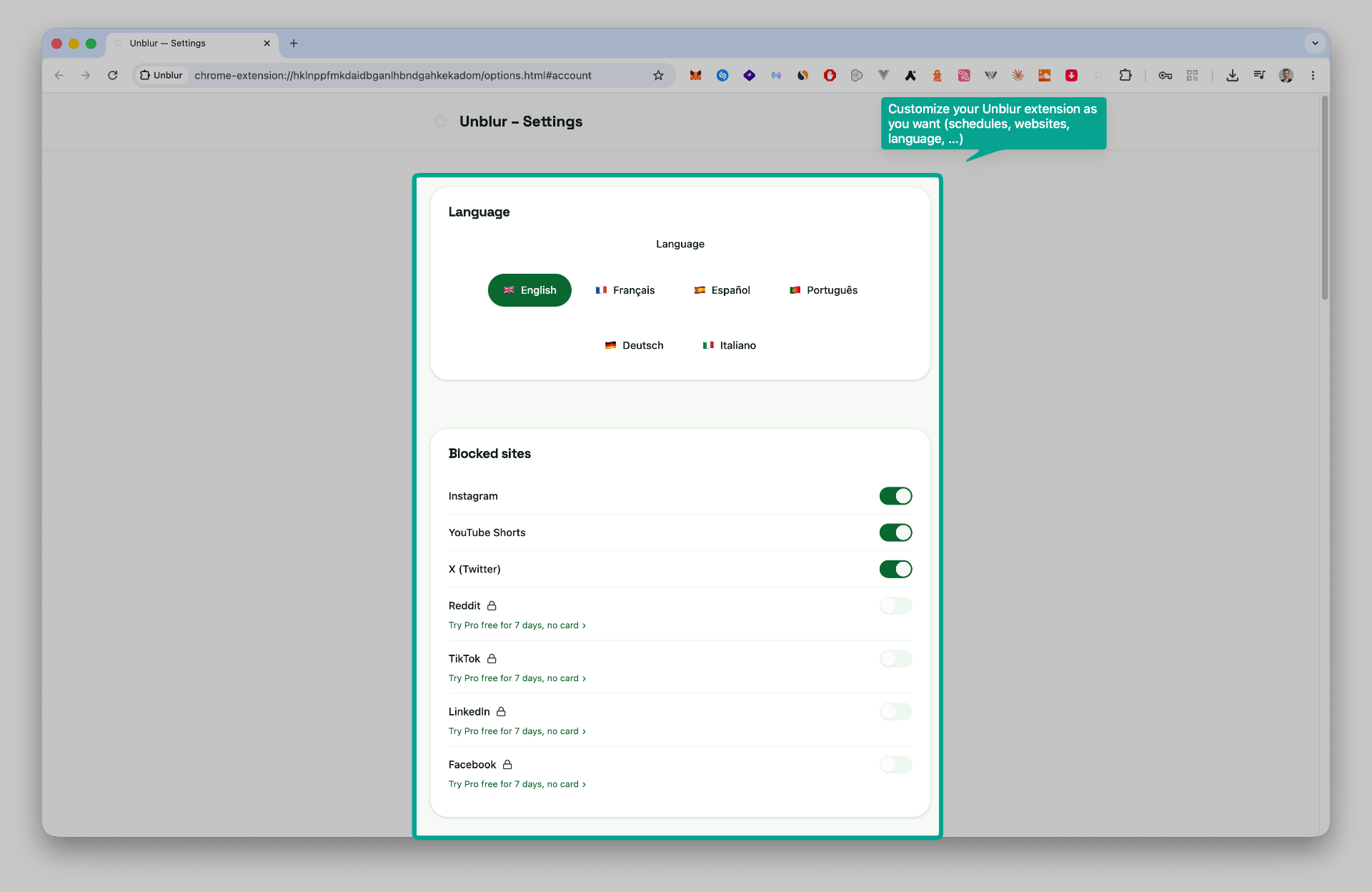
Make it yours
Tune languages, blocked sites and schedules from a single settings page. Adjust whenever you like.
Three ways to pause
Pick the one that fits your day. Change it whenever you like.
A slow breath of five, ten or thirty seconds. Long enough to notice the urge passing.
Type a sentence you've chosen for yourself. A small ritual that brings intention back.
Solve a gentle calculation. Just enough friction to wake the part of you that decides.
Simple, honest pricing
Free forever. Pro if you'd like to go a little deeper.
Free
The essential pause, for everyone.
- Unlimited sites
- Timer method
- 6 languages
- Local-first, no account
Pro
recommendedFor the long, quiet practice.
- Everything in Free
- Phrase and Math methods
- Custom durations and schedules
- Gentle weekly reflections
- Support a small independent project
A softer way to fight the scroll
Most attention tools borrow the playbook of the apps they fight. We chose another path.
Not a blocker
Unblur never locks you out. The choice always stays yours, just with a little more space around it.
Not gamified
No streaks, no points, no badges. Nothing here is designed to hook you in another way.
No tracking
Your activity stays on your machine. We don't see your sites, your phrases, or your habits.
No dark patterns
One click to install, one click to uninstall. Cancel Pro in a single step, no questions.
Questions
Receive the next pause.
Once a month. Notes on attention, a few small product updates, nothing else.